
Pair your phone
Put your phone and Mac on the same Wi-Fi.
- On your Mac, the setup window shows a QR code.
- On your phone, open Mydroid and tap Scan.
- Point the camera at the code.
- Check that both screens show the same code, then confirm.
- On your Mac, choose what to sync. You can change this later in Settings.
Mydroid then connects on its own whenever you’re on the same network, and starts at login on your Mac.
Check the connection
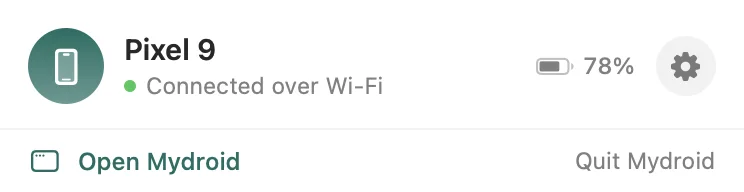
Section titled “Check the connection”Open Mydroid from the Mac menu bar. Your phone’s name appears with Connected over Wi-Fi. Try sharing a link from your phone to Mydroid.
If pairing doesn’t work
Section titled “If pairing doesn’t work”- Both devices must be on the same Wi-Fi. Guest networks and some office networks keep devices apart.
- Turn off any VPN on the Mac for the first pairing.
- See Troubleshooting.